Choose a plan
Use this step when you are setting up a new paid workspace. In the product, it can appear in two cases:
- after sign-in, when your account does not yet have a plan or an organization
- from Account > Organizations, when you start a new subscription for an additional organization
If you are joining an existing workspace, this page does not apply to you.
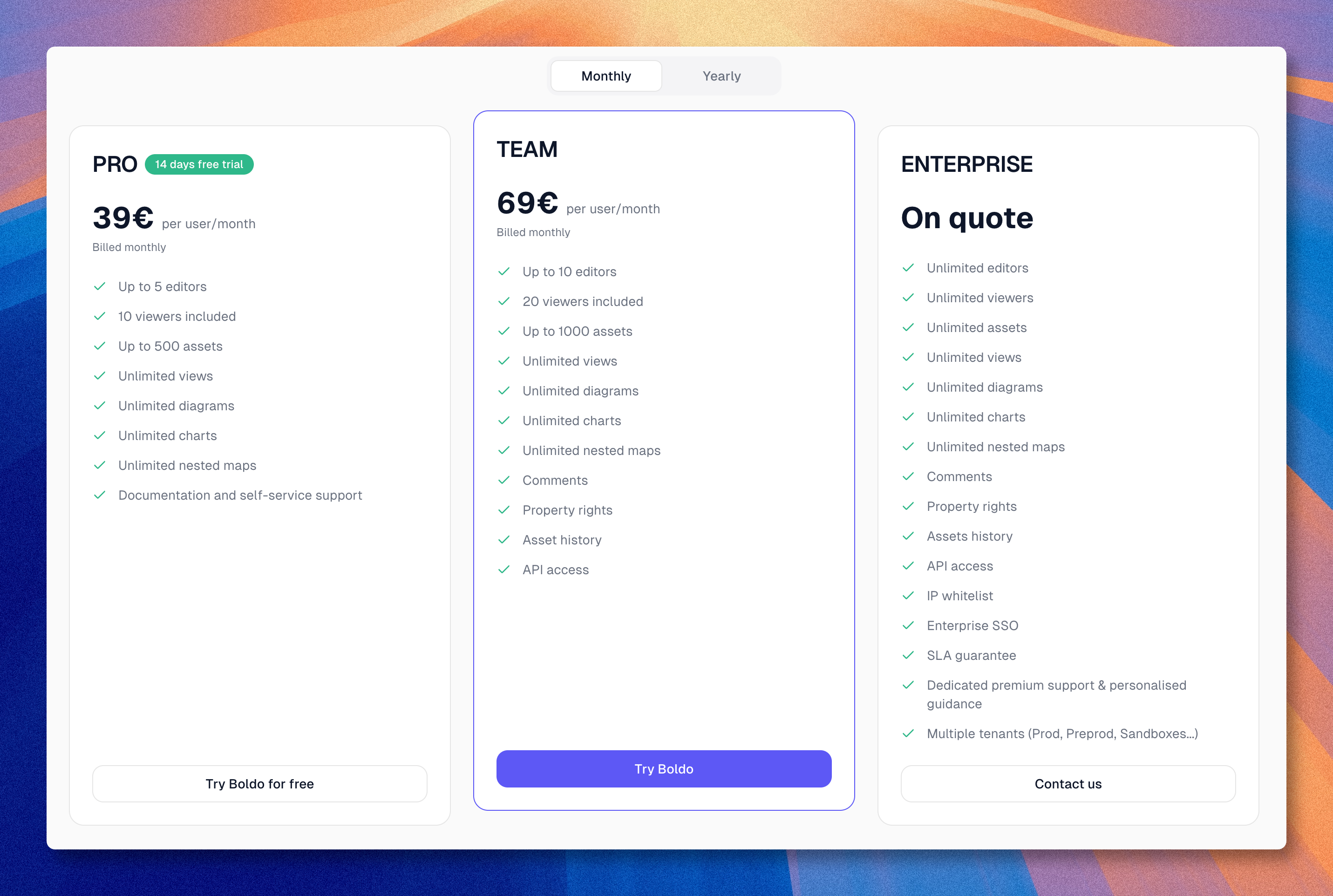
Available plans
Boldo offers three plans:
| Plan | Flow | Typical fit |
|---|---|---|
| Pro | Self-serve | Small rollout or first production scope |
| Team | Self-serve | Larger team with collaboration and governance needs |
| Enterprise | Contact flow | Organizations that need the most advanced plan features |
For the current public pricing details, see Boldo pricing.
Start a subscription
- Choose Monthly or Yearly
- Select Pro, Team, or Enterprise
- If you choose Pro or Team, confirm the number of users and the subscription summary
- Continue to checkout
If you choose Enterprise, Boldo does not open a self-serve checkout. It opens the contact flow instead.
Start with the smallest plan that fits the rollout you are launching now.
After the first subscription flow, Boldo continues with Create an organization.