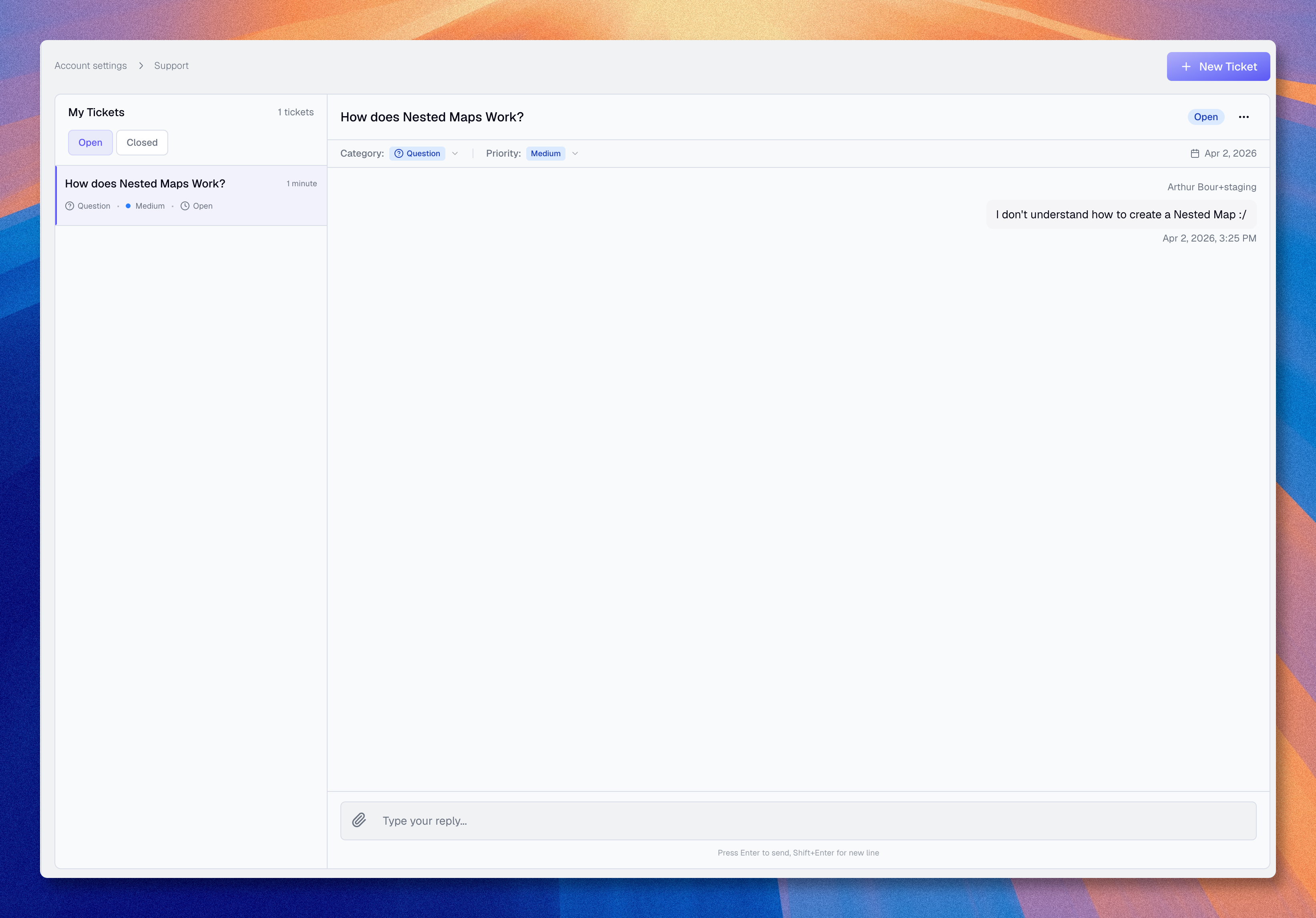
Support
Use the Support page in Boldo when you need help and you can already access the application.
If you cannot access Boldo, email [email protected] instead.
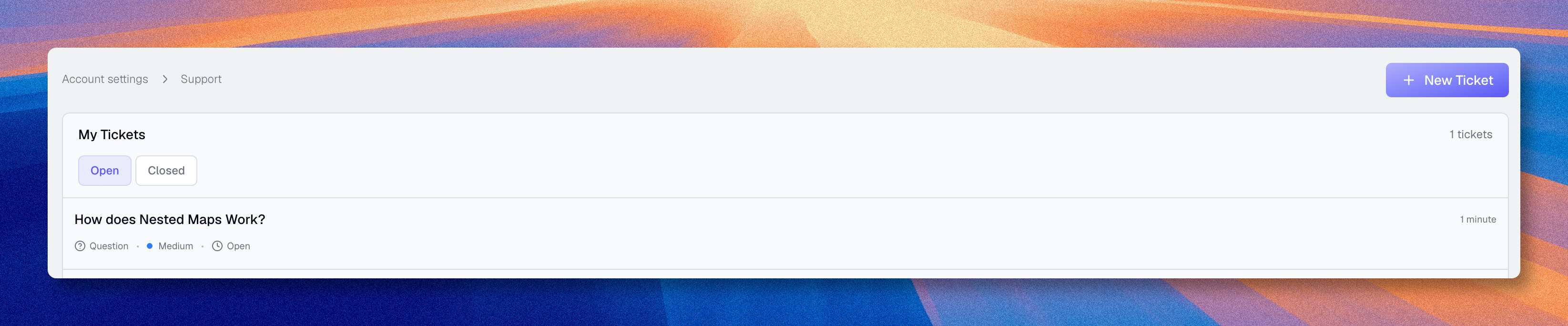
Access
Click the user icon in the top right, then open Support.
When to use support
Use support for:
- bugs
- blocking issues
- billing questions
- questions that require help from the Boldo team
Use documentation first when the answer is likely procedural.
What to include
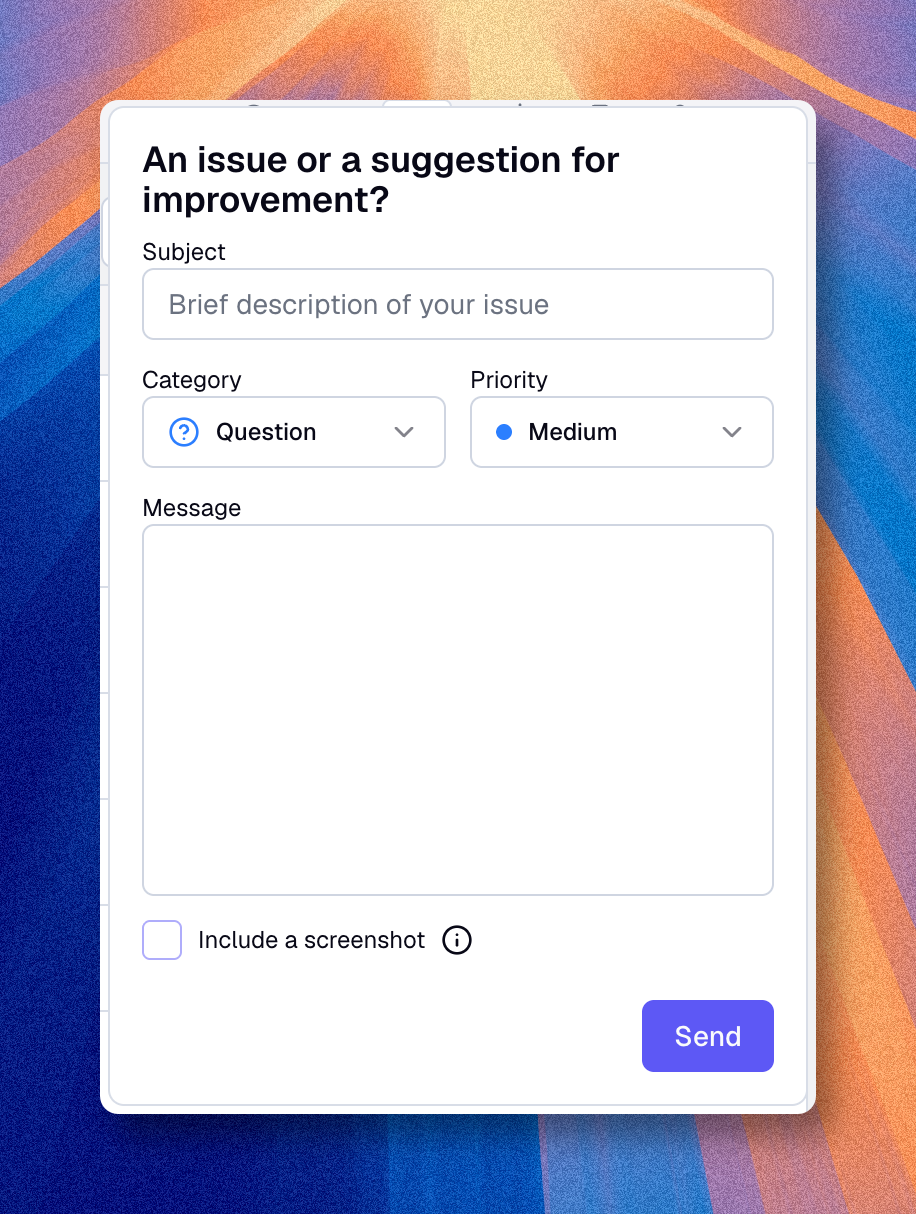
For faster processing, especially for a bug report, include:
- a clear description of the problem
- the steps to reproduce it
- screenshots if relevant
- the organization concerned
If the issue depends on a precise action, include the expected result and the actual result.