Manage favorites
Favorites help you keep the most useful content close at hand. They are a personal shortcut layer, not a replacement for folders. Adding or removing a favorite only affects your own account, not other users.
Use favorites for recurring work
In the catalog, open the item's ⋮ menu and choose Add to favorites. The item then shows a star next to its name.
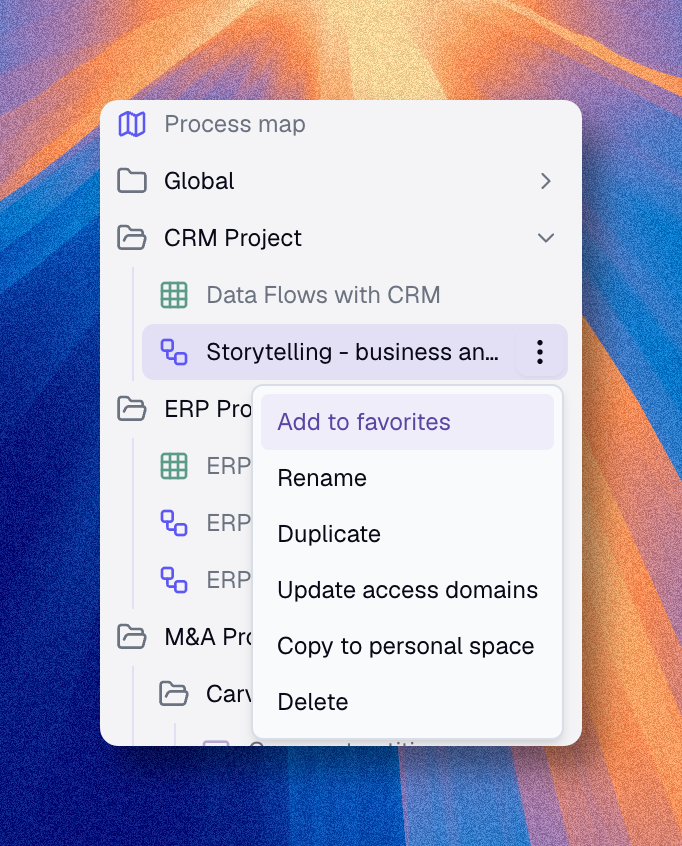
Use favorites for items you open repeatedly, such as:
- a view you use every morning
- a diagram used in regular meetings
- a chart monitored by your team
- a nested map used for governance reviews
To find them again quickly, open the catalog filter menu and choose Only favorites.
Remove a favorite from the same ⋮ menu with Remove from favorites.
Avoid favoriting everything. If too many items are starred, favorites lose their value.