Metamodel
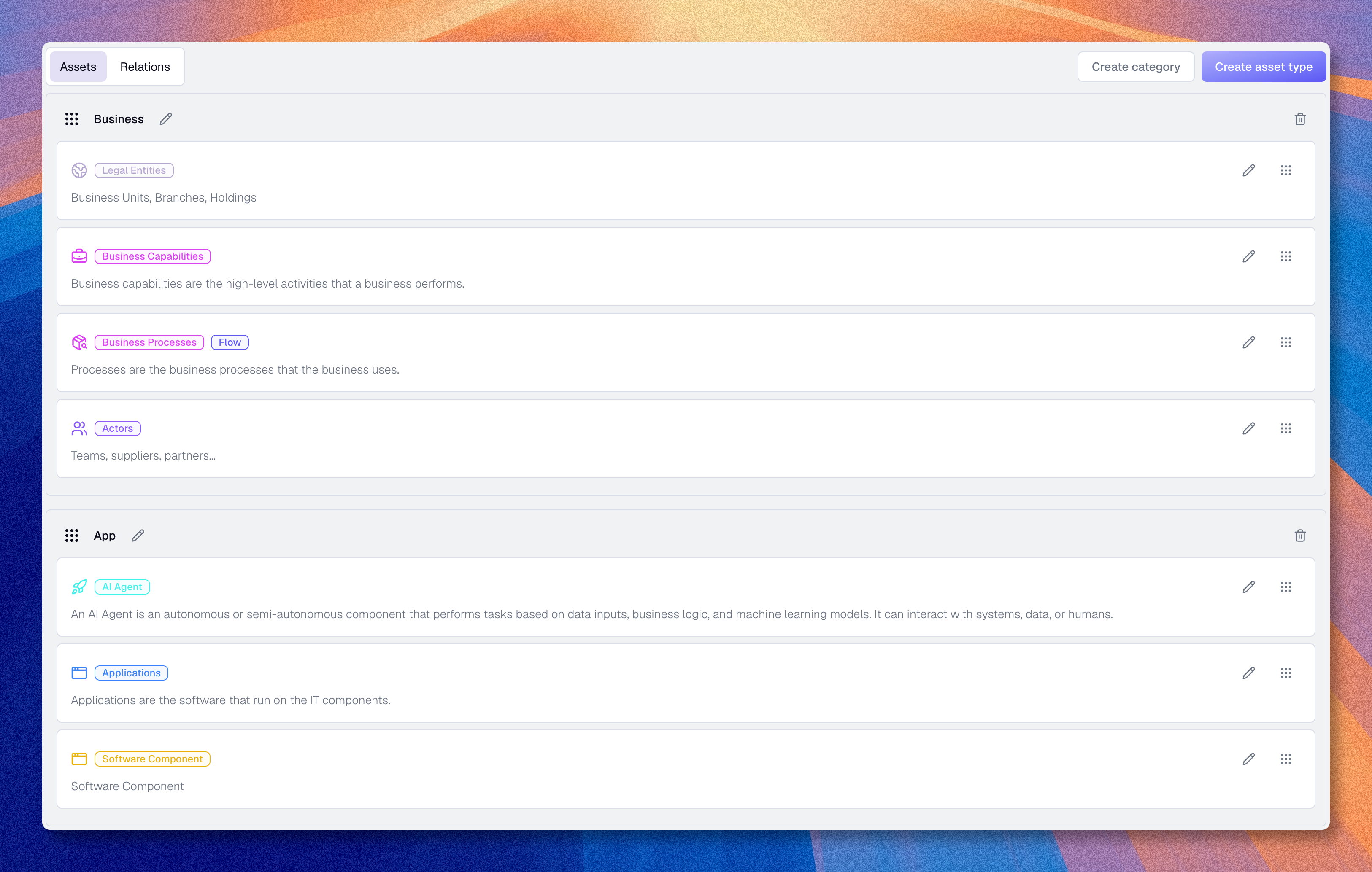
The metamodel defines the structure of your knowledge base in Boldo.
It determines:
- which asset types exist
- which properties describe them
- which relationship types can connect them
If the inventory is the knowledge base, the metamodel is its schema.
Access
- Click the Organization icon in navigation
- Select "Metamodel"
Only administrators can modify the metamodel.
What the metamodel controls
The metamodel consists of three main elements: asset types, properties, and relationship types. These definitions are then used everywhere else in Boldo.
How it works
Example:
- Metamodel:
Applicationis an asset type - Knowledge base:
CRM Salesforceis one application asset - Metamodel:
Criticalityis a property on applications - Knowledge base:
CRM Salesforcecan haveCriticality = High - Metamodel:
Application enables Processis a relationship type - Knowledge base:
CRM Salesforce -> Enables -> Customer Portal
The metamodel defines what is possible. The inventory and the visualizations use those rules.
Where to start
For a new organization, you do not need to design everything from scratch. Boldo already provides a default metamodel that is usable as a starting point.
Start with a small number of asset types, properties, and relationship types. As your understanding of Boldo and your use cases becomes clearer, you can extend that model gradually.
If you do need to adapt it, use this order:
- Review the existing Asset Types
- Add only the Properties users really need first
- Add the Relationship types that are necessary to connect those types
- Test the result by creating a few real assets
Avoid overengineering. It is easier to extend a clear metamodel than to simplify a model that became too complex too early.
Impact of modifications
| Action | Effect on existing assets |
|---|---|
| Add a type | No impact |
| Rename an asset type | Existing assets stay in place; the label updates |
| Add a property | New empty field |
| Rename a property | Existing values stay in place; the label updates |
| Change a property type | Property data is recreated and existing values can be lost |
| Delete a property | Permanent loss of that property's data and dependent filters/configuration |
| Add a relationship type | New link possibility |
| Rename a relationship type | Existing asset relationships stay in place; the label updates |
| Change a relationship type style | Existing asset relationships stay in place |
| Change a relationship type's endpoints | Existing asset relationships using it are deleted; dependent filters, chart settings, and nested maps can also be removed |
| Delete a relationship type | Existing asset relationships using it are deleted; dependent filters, chart settings, and nested maps can also be removed |
| Delete a type | Deletion of all assets of that type and dependent views, charts, and nested maps |