Relationship types
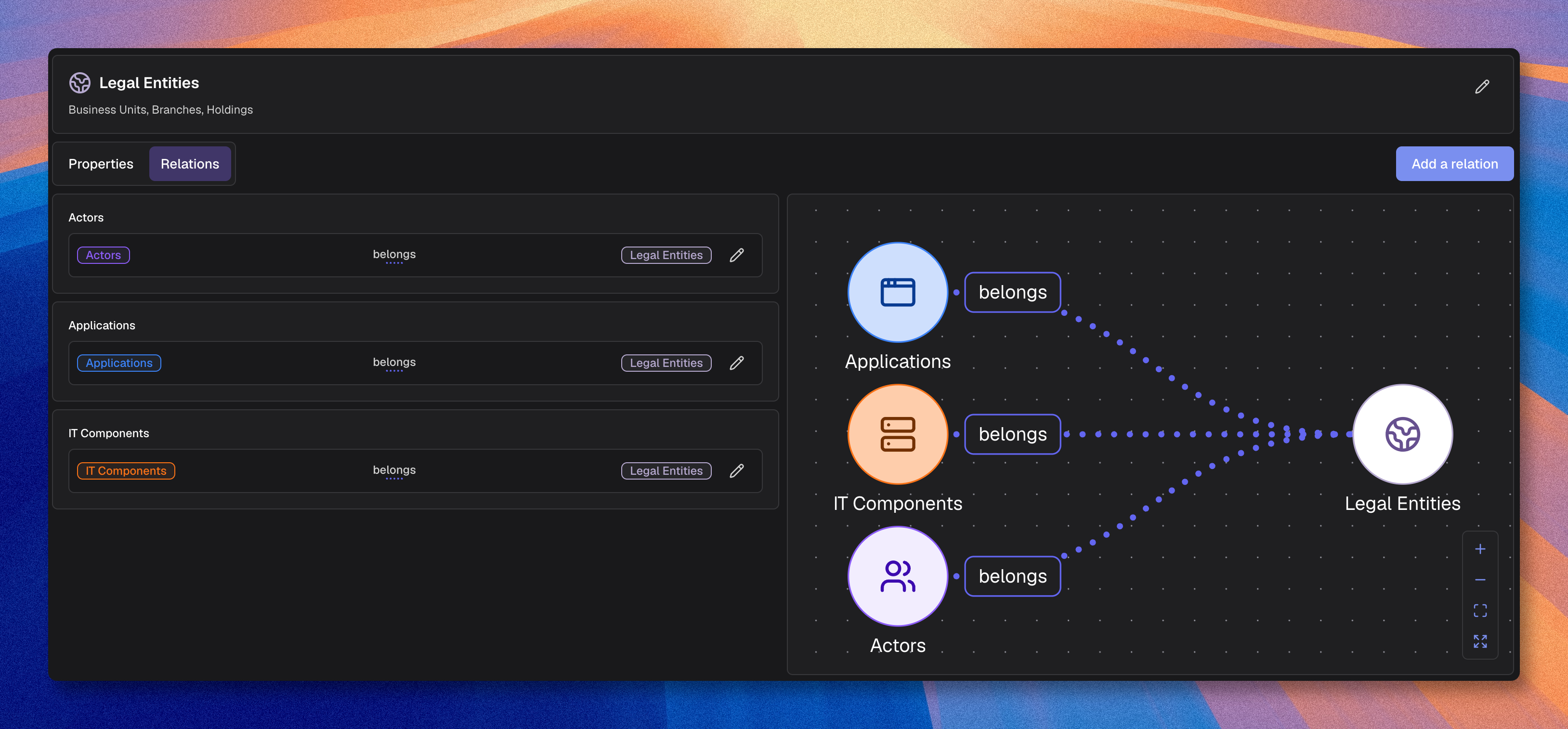
Relationship types define how asset types can connect to each other in the knowledge base.
Each relationship type combines:
- A source asset type
- A relationship name
- A target asset type
Example: Application enables Process
In the inventory, users then create real relationships between assets that follow these relationship types.
They let you model dependencies, hierarchy, or ownership between assets. Flow-specific relations are managed from a flow-enabled asset type's settings, not created manually here.
Access
You can manage relationship types in two places:
- Organization → Metamodel → "Relations" to review all relationship types across the metamodel
- An asset type → "Relations" to create and manage relationship types from that source or target type
Create a relationship type
- Open "Relations" or open an asset type and go to "Relations"
- Click the create action
- Choose the source and target asset types
- Enter the relationship name
- Choose the color and arrow style
- Click Create
If you create the relationship type from an asset type page, that asset type is already used as one side of the relationship.
You can customize the start marker, line style, and end marker to match your diagramming conventions.
Modify a relationship type
- Click the edit icon on the relationship type
- Update the attributes
- Click Validate
If you change the source or target asset type, existing relationships between assets are deleted. If you only change the name, color, or arrow style, existing relationships are preserved.
Delete a relationship type
- Click the delete icon
- Click Confirm
Deleting a relationship type removes the corresponding relationships from the inventory.
Example
To allow Applications to "enable" Processes:
- Set the source asset type to Application
- Enter the relationship name
Enables - Set the target asset type to Process
Result: Users can create Application enables Process relationships in the inventory.
Relationship direction
Relationship types are directional:
- Source: Origin asset type
- Target: Destination asset type
In diagrams and in the inventory, the relationship goes from source to target.
A relationship type should express one clear meaning in one direction. Choose that direction based on the business logic: who depends on what, who acts on what, who owns what, or what belongs to what. Once you choose that direction, use it consistently across the metamodel.
Recommended relationship types
| Type | Usage | Example |
|---|---|---|
| Enables | Functional dependency | App → Process |
| Uses | Consumption | App → Data |
| Part of | Composition | Process → Capability |
| Responsible for | Ownership | Team → App |
| Precedes | Temporal succession or historization | Process → Process |
| Hosts | Infrastructure | Server → App |
Best practices
When you define a relationship type, start from the asset that does something, provides something, or carries the responsibility, then place the dependent, supported, contained, or affected asset on the other side. When possible, write relationship types in the active voice.
For example, for infrastructure hosting, Server hosts Application is usually better than Application runs on Server because it follows a provider-to-dependent logic: the server provides the hosting, and the application depends on it. Application runs on Server can also be valid, but it expresses a different perspective: the runtime location of the application. Use that wording only if that is the main perspective you want to model.
- Use readable verbs
- Check the sentence formed by source, relationship, and target
- Model one clear meaning per relationship type and choose one direction for it
- Remember that a relationship type belongs to a specific source-target pair
- Reuse the same relationship name across pairs only when it keeps the same meaning
- Limit unnecessary relationship types
- Use style and color to improve readability, not to compensate for unclear naming